 Free Image Conversion
Online Image Converters: Is Your Data Actually Private?
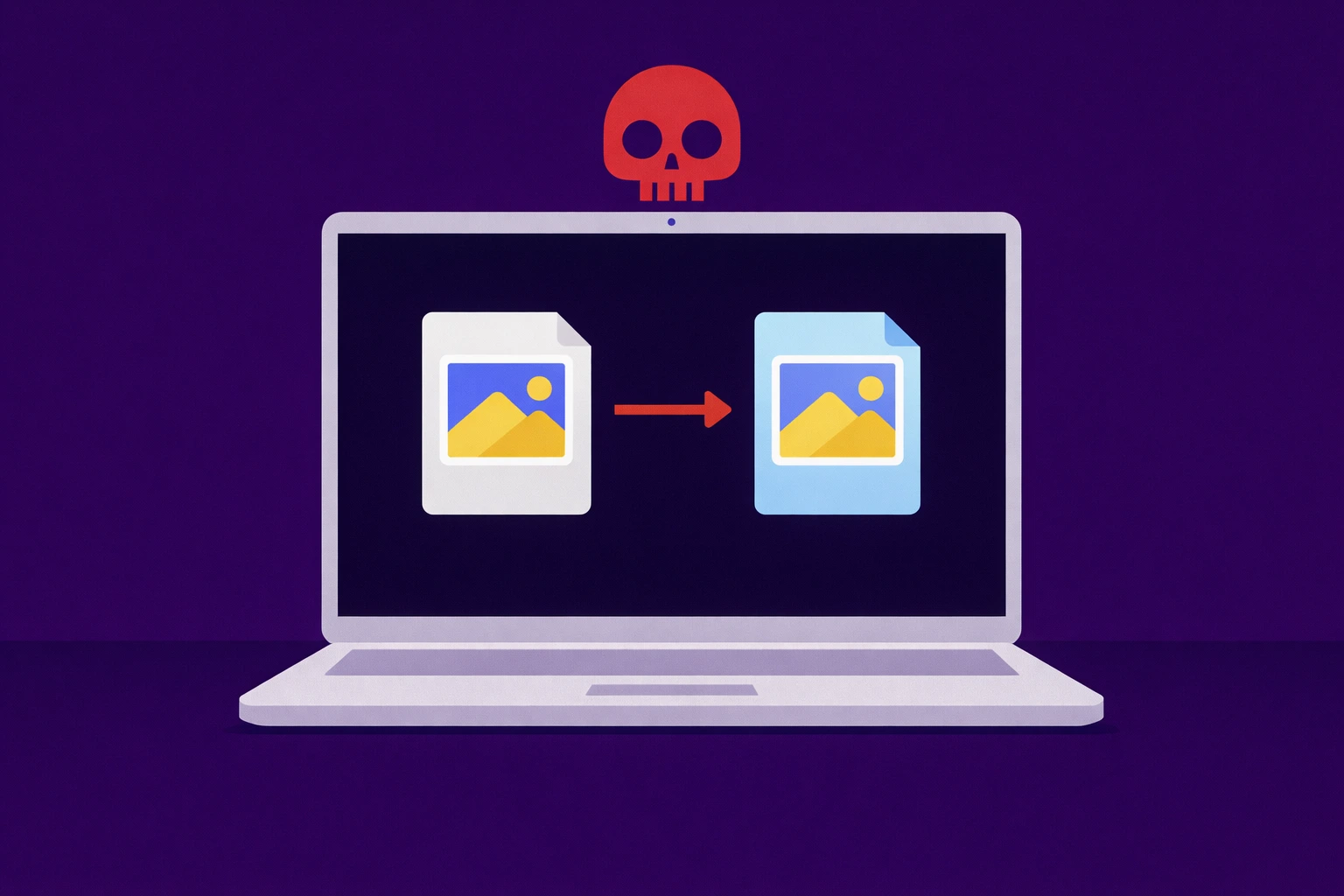
Every day, millions of people upload personal photos, work documents, and sensitive graphics to "free" online converters. But have you ever wondered where those files actually go?
In the world of online tools, there is a massive difference between Server-Side and Client-Side processing. Understanding this difference is the key to keeping your digital life private.
The Hidden Danger of Server-Side Converters
Most popular image converters work by having you upload your file to their server. Once your photo is on their computer, they process it and give you a download link.
The risks include:
- Data Retention: Many sites store your "temporary" files for 24 hours or longer.
- Privacy Leaks: If their server is hacked, your uploaded photos could be exposed.
- Terms of Service: Some shady converters include clauses that give them rights to use your images for AI training or other purposes.
The Local Processing Revolution
We built Free Image Conversion to solve this problem. Our tool uses modern browser technology to convert images locally on your device.
How to Spot a Safe Converter
- Check for HTTPS: Always ensure the site has a padlock icon in the address bar.
- Watch the Network Tab: Tech-savvy users can see that when using our tool, no data is being sent to an external server during conversion.
- Read the Privacy Policy: Look for tools that explicitly state they do not store user files.
Experience the peace of mind that comes with total privacy. Use our Secure Image Converter today—no uploads, no logs, just fast conversion.
← Back to Blog Feed